
Ultimate Guide to Fixing AirDrop Issues on Mac
Ultimate Guide to Fixing AirDrop Issues on Mac
If you’ve found yourself scratching your head over AirDrop not working on Mac, you’re not alone. AirDrop is a brilliant feature that facilitates file transfers between Apple devices seamlessly. However, connectivity problems can arise, leaving users frustrated. In this guide, we’ll delve into troubleshooting AirDrop failures, explore necessary settings, and provide user-tested solutions to get your AirDrop back on track.
Understanding AirDrop and Its Importance
AirDrop is a service designed to enable easy sharing of photos, documents, and other files between Mac and iOS devices. Leveraging Bluetooth and Wi-Fi, it creates a peer-to-peer connection, making it incredibly convenient for users of Apple products. A smooth AirDrop experience can significantly enhance your productivity, whether for personal use or in professional settings. But what happens when you encounter issues?
Common Issues with AirDrop on Mac
AirDrop may sometimes fail due to several reasons, including:
- Bluetooth or Wi-Fi connectivity problems: Ensure both services are activated.
- Device visibility settings: Your Mac must be discoverable to other devices.
- Firewall settings: Sometimes, security software can block incoming connections.
Let’s take a closer look at how to troubleshoot these issues effectively.
Troubleshooting AirDrop Failures
When AirDrop isn't working, you can follow these steps to diagnose and fix the problem:
Step 1: Check System Requirements
Ensure both devices support AirDrop. For Macs, you need macOS Yosemite or later. Similarly, check the version on your iOS device.
Step 2: Enable AirDrop
To enable AirDrop on your Mac:
- Open Finder and select AirDrop from the sidebar.
- Choose your discoverability option: "Allow me to be discovered by".
Step 3: Verify Wi-Fi and Bluetooth
Both Wi-Fi and Bluetooth are required for AirDrop to work. Check their status by clicking the respective icons in the menu bar. If either is off, turn them on and try again.
Step 4: Adjust Firewall Settings
Open System Preferences, head to Security & Privacy, and review your firewall settings. If it’s blocking incoming connections, make sure to adjust it to allow AirDrop.
Additional Solutions if AirDrop is Still Not Working
If you’ve completed the troubleshooting steps but are still facing issues, here are some advanced tips:
- Reset Network Settings: Resetting the network can clear any temporary glitches.
- Reboot Your Devices: Restarting both your Mac and the sending device can often resolve lingering issues.
- Software Updates: Ensure both your Mac and iOS device have the latest software updates installed.
Frequently Asked Questions
Why is AirDrop not showing up on Mac?
Ensure AirDrop is enabled on your Mac, and check your network settings, including Wi-Fi and Bluetooth, as both need to be on to see nearby devices.
How do I make my Mac discoverable for AirDrop?
Open Finder, click on AirDrop in the sidebar, and select "Allow me to be discovered by" to set your visibility options.
What should I do if AirDrop keeps failing to send files?
Check your connection stability, ensure both devices are sufficiently close, and review any active firewall settings that might be blocking the transfer.

משלוח עם קוד מעקב, קיימת אפשרות למשלוח מהיר.

קניה מאובטחת בכרטיסי אשראי או פייפאל. והחזר כספי מלא אם המוצר פגום או לא כמו שהזמנתם.

שירות לקוחות לכל שאלה במייל, טלפון או וואטסאפ.

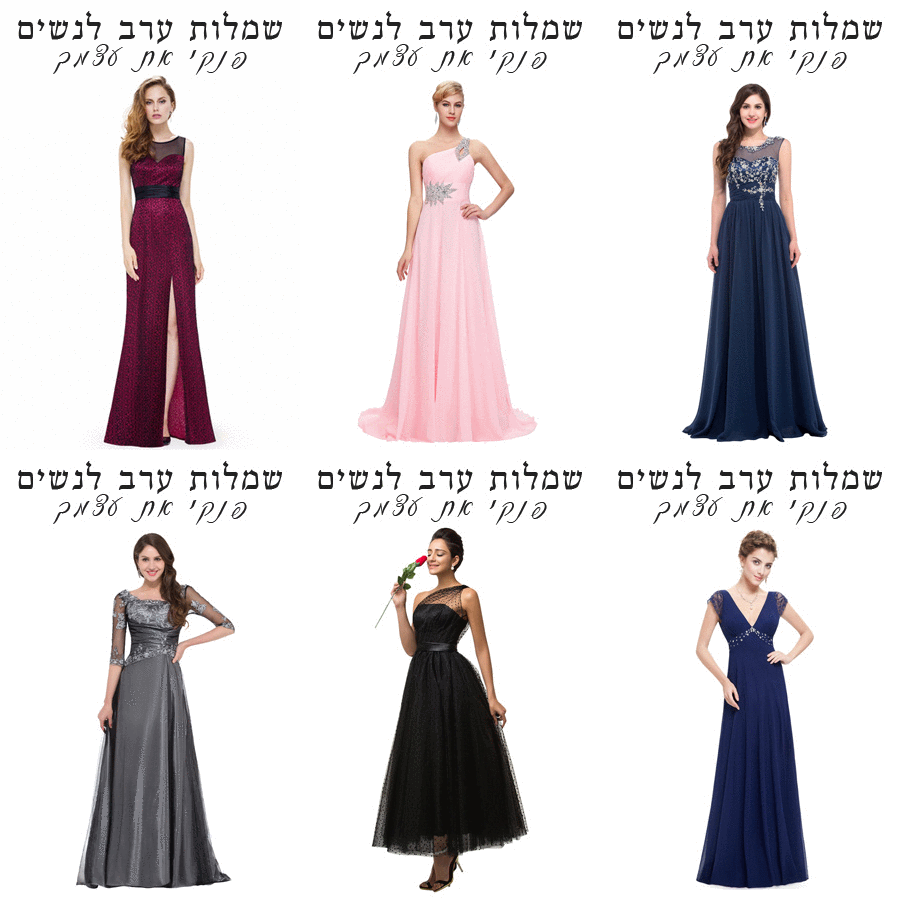
שמלות ערב לנשים – עכשיו גם אתם יכולות
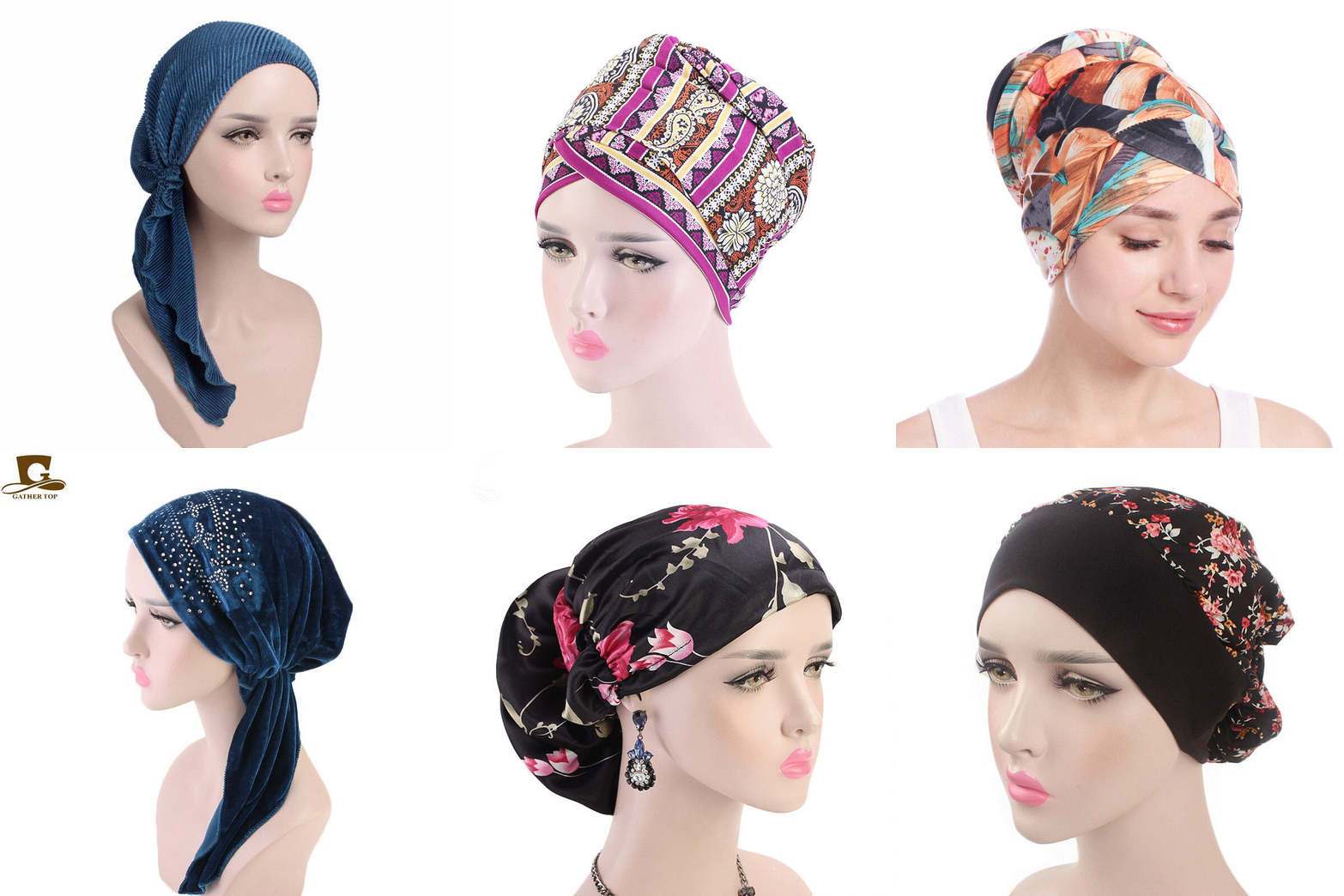
מבחר ענק של כיסויי ראש לנשים
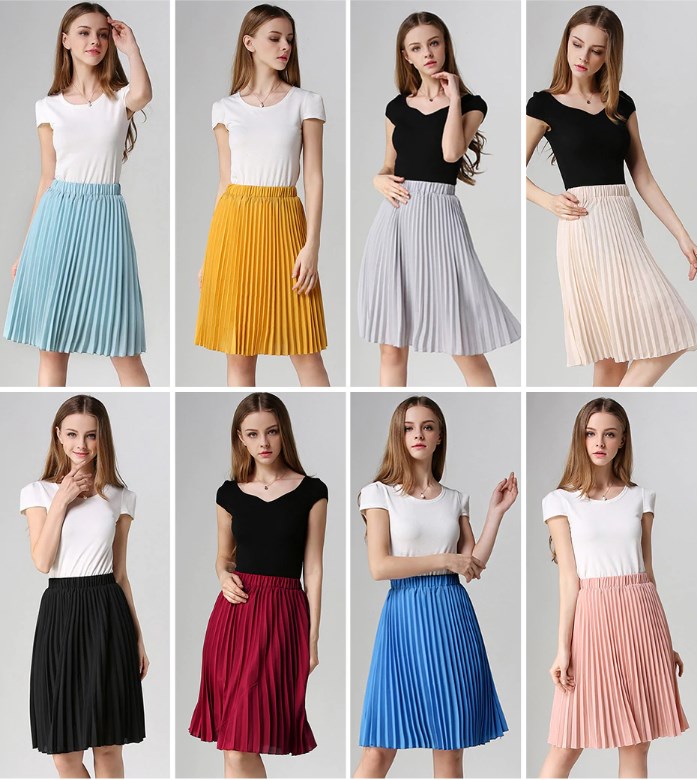
חצאיות לנערות
עוד שמלות לילדות
-
 שמלת נסיכה מלאה בעיצוב של תחרה עם רקמת פרחים נמשכים למטה 4 שכבות
₪107.00 – ₪122.00
שמלת נסיכה מלאה בעיצוב של תחרה עם רקמת פרחים נמשכים למטה 4 שכבות
₪107.00 – ₪122.00
-
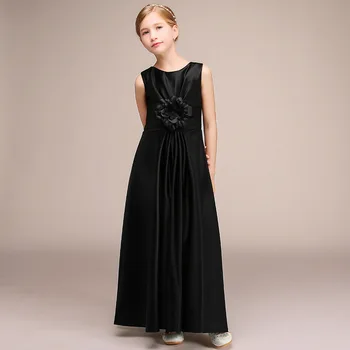 שמלת ערב שחורה מסטין לילדות מעוצבת ואלגנטית, אורך קרסול, מיוחדת ונדירה
₪420.00
שמלת ערב שחורה מסטין לילדות מעוצבת ואלגנטית, אורך קרסול, מיוחדת ונדירה
₪420.00
-
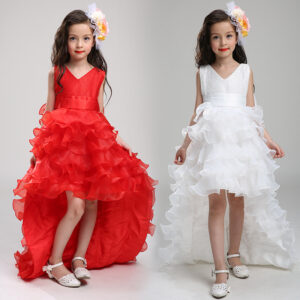 שמלת סלסה נגררת לילדות, קצר מקדימה וארוך מאחור, שמלה לרקדניות
₪177.00 – ₪193.00
שמלת סלסה נגררת לילדות, קצר מקדימה וארוך מאחור, שמלה לרקדניות
₪177.00 – ₪193.00
-
 שמלת שושבינה לילדות ורוד עתיק, עם אפליקציות ורקמת פרחים עם רבנים משובצות מיוחדות עבודת יד, שרוול ארוך
₪352.00 – ₪450.00
שמלת שושבינה לילדות ורוד עתיק, עם אפליקציות ורקמת פרחים עם רבנים משובצות מיוחדות עבודת יד, שרוול ארוך
₪352.00 – ₪450.00
-
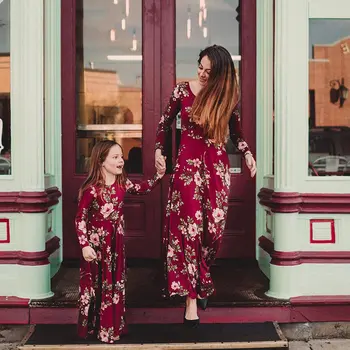 שמלות לאם ולבת תואמות בצבע אדום יין פרחוניות, ארוכות מקסי עם שרוול ארוך, שמלות אביביות וקלילות
₪67.00 – ₪110.00
שמלות לאם ולבת תואמות בצבע אדום יין פרחוניות, ארוכות מקסי עם שרוול ארוך, שמלות אביביות וקלילות
₪67.00 – ₪110.00
-
 שמלת שושבינה עם אפליקציות מדהימות, אורך ברך, שרוול רשת ארוך, נצנצים וסרט קשירה מאחור, 3 צבעים לבחירה
המחיר המקורי היה: ₪344.00.₪172.00המחיר הנוכחי הוא: ₪172.00.
שמלת שושבינה עם אפליקציות מדהימות, אורך ברך, שרוול רשת ארוך, נצנצים וסרט קשירה מאחור, 3 צבעים לבחירה
המחיר המקורי היה: ₪344.00.₪172.00המחיר הנוכחי הוא: ₪172.00.
-
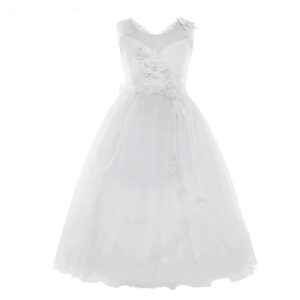 שמלת כלה לילדות ללא שרוולים עם תחרה ואפליקציה מדהימה בחזה ופרחים מדהימים תלויים
₪134.00 – ₪150.00
שמלת כלה לילדות ללא שרוולים עם תחרה ואפליקציה מדהימה בחזה ופרחים מדהימים תלויים
₪134.00 – ₪150.00
-
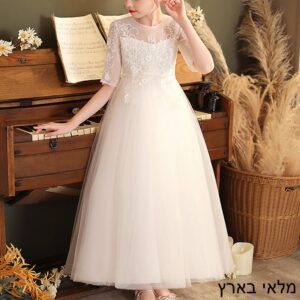 שמלת שושבינה מלכותית לילדות לבנה, עם תחרה מדהימה, עם מחוך רקום בפנינים ופרחים, שרוול 3/4 אורך קרסול, איכותית ומרשימה
המחיר המקורי היה: ₪225.00.₪180.00המחיר הנוכחי הוא: ₪180.00.
שמלת שושבינה מלכותית לילדות לבנה, עם תחרה מדהימה, עם מחוך רקום בפנינים ופרחים, שרוול 3/4 אורך קרסול, איכותית ומרשימה
המחיר המקורי היה: ₪225.00.₪180.00המחיר הנוכחי הוא: ₪180.00.
-
 שמלות לפעוטות מכותנה עם כתר מוזהב ופונפונים, שרוול ארוך, 2 צבעים לבחירה, מתוקה אש
המחיר המקורי היה: ₪86.00.₪77.00המחיר הנוכחי הוא: ₪77.00.
שמלות לפעוטות מכותנה עם כתר מוזהב ופונפונים, שרוול ארוך, 2 צבעים לבחירה, מתוקה אש
המחיר המקורי היה: ₪86.00.₪77.00המחיר הנוכחי הוא: ₪77.00.
-
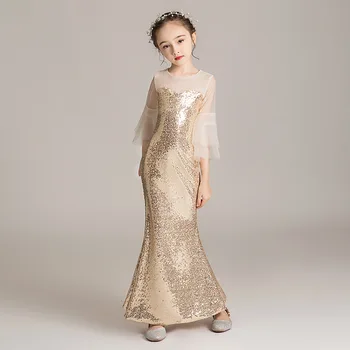 שמלת סטין נצנצים ופייטים בת ים לילדות בצבע זהב נוצץ עם מחוך מאלף, ושרוולי רשת 3/4 מדהימה ואלגנטית
₪47.00 – ₪253.00
שמלת סטין נצנצים ופייטים בת ים לילדות בצבע זהב נוצץ עם מחוך מאלף, ושרוולי רשת 3/4 מדהימה ואלגנטית
₪47.00 – ₪253.00
-
 שמלת שושבינה אורך ברך לילדות, עם אפליקציות ושרוולים ארוכים ב 3 צבעים - נוצצת במיוחד
המחיר המקורי היה: ₪203.00.₪162.00המחיר הנוכחי הוא: ₪162.00.
שמלת שושבינה אורך ברך לילדות, עם אפליקציות ושרוולים ארוכים ב 3 צבעים - נוצצת במיוחד
המחיר המקורי היה: ₪203.00.₪162.00המחיר הנוכחי הוא: ₪162.00.
-
 שמלת שושבינה לפעוטות עד גיל שנתיים, ללא שרוולים, נפוחה עם אפליקציות של פרחים מיוחדים, 4 צבעים לבחירה
₪120.00
שמלת שושבינה לפעוטות עד גיל שנתיים, ללא שרוולים, נפוחה עם אפליקציות של פרחים מיוחדים, 4 צבעים לבחירה
₪120.00
-
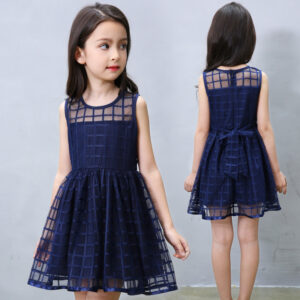 שמלת ברך קלוש כתפיות לילדות, קיצית ומהממת בצבעים מדליקים
₪65.00 – ₪79.00
שמלת ברך קלוש כתפיות לילדות, קיצית ומהממת בצבעים מדליקים
₪65.00 – ₪79.00
-
 שמלת קיץ יום הולדת פרחונית 3 שכבות מעוצבת עם תחרה, חרוזים ורקומה
₪114.00 – ₪144.00
שמלת קיץ יום הולדת פרחונית 3 שכבות מעוצבת עם תחרה, חרוזים ורקומה
₪114.00 – ₪144.00
-
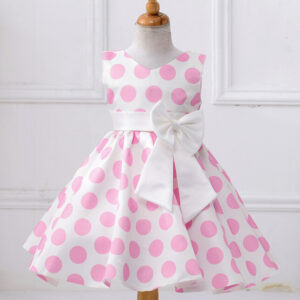 שמלת קיץ לילדות מודפסת עם נקודות וסרט חמוד בצבעים מדהימים - גילאים 2-8
המחיר המקורי היה: ₪196.00.₪133.00המחיר הנוכחי הוא: ₪133.00.
שמלת קיץ לילדות מודפסת עם נקודות וסרט חמוד בצבעים מדהימים - גילאים 2-8
המחיר המקורי היה: ₪196.00.₪133.00המחיר הנוכחי הוא: ₪133.00.