
Common MacBook Screen Issues and Their Solutions
"`html
Common MacBook Screen Issues and Their Solutions
Whether you're a professional or a casual user, a MacBook is a powerful tool. However, like any device, it can encounter issues over time. This article dives into common screen problems such as orange spots, black lines, and more, offering guidance on diagnosing and resolving these issues.
Understanding Orange Spots on a MacBook Screen
Seeing an orange spot on your MacBook screen can be concerning. This issue often arises from liquid damage or pressure exerted on the screen. It's essential to identify the root cause early to prevent further deterioration.
Some users find that a simple restart or screen adjustment resolves the issue temporarily. However, if the orange spot persists and appears larger, it might indicate damage beneath the screen surface, necessitating professional repair.
For those under warranty or with AppleCare, reaching out to Apple support can save on repair costs. If not, consider contacting a certified technician for a diagnosis.
MacBook Pro Black Lines on the Bottom of the Screen
Experiencing black lines at the bottom of your MacBook Pro screen can be another sign of underlying issues such as a faulty display cable or screen damage. Users might also encounter this phenomenon after an accidental drop or impact.
Testing your MacBook in safe mode or using an external monitor can help confirm whether the problem lies with the screen or the graphics card. Should the lines remain, a professional inspection is advisable. Expect potential costs for screen replacement if not covered under warranty.
When Your MacBook Pro Screen Turns Black
If your MacBook Pro screen is completely black, it can be frustrating. This issue might be linked to a software glitch, a power issue, or hardware malfunction. Begin troubleshooting by force restarting your device.
If the screen remains black, check for signs of power by listening for sounds or detecting any light from the keyboard. External displays can also be used to identify whether the MacBook’s internal display is the problem. If all else fails, contacting Apple Support for a hardware evaluation is recommended.
MacBook Pro Display Backlight Service Program
Apple's 13-inch MacBook Pro display backlight service program addresses specific models that may experience backlight issues. If your device is affected, you may be eligible for a free repair.
To check eligibility, you require your MacBook’s serial number. If your device falls under the service program, contacting Apple directly or visiting an authorized service provider is your next step.
Burn Marks on MacBook Pro Screen
Screen burn marks can indicate deeper issues with your MacBook Pro. These typically result from persistent images on the display. If you notice such marks, first try adjusting the screen brightness or using screen savers effectively to alleviate the symptoms.
In severe cases, replacing the screen may be the only solution. If your MacBook still holds warranty, consider reaching out to Apple for guidance or servicing options.
FAQs
1. How do I fix an orange spot on my MacBook screen?
Restarting your MacBook may help; however, persistent spots could indicate a need for professional repair.
2. What causes black lines on my MacBook Pro screen?
Black lines can arise from a faulty display cable or physical damage. Testing with safe mode or an external monitor can help diagnose the issue.
3. How can I enroll in the MacBook Pro screen backlight service program?
Check your eligibility via Apple’s official website using your MacBook’s serial number, and contact

משלוח עם קוד מעקב, קיימת אפשרות למשלוח מהיר.

קניה מאובטחת בכרטיסי אשראי או פייפאל. והחזר כספי מלא אם המוצר פגום או לא כמו שהזמנתם.

שירות לקוחות לכל שאלה במייל, טלפון או וואטסאפ.

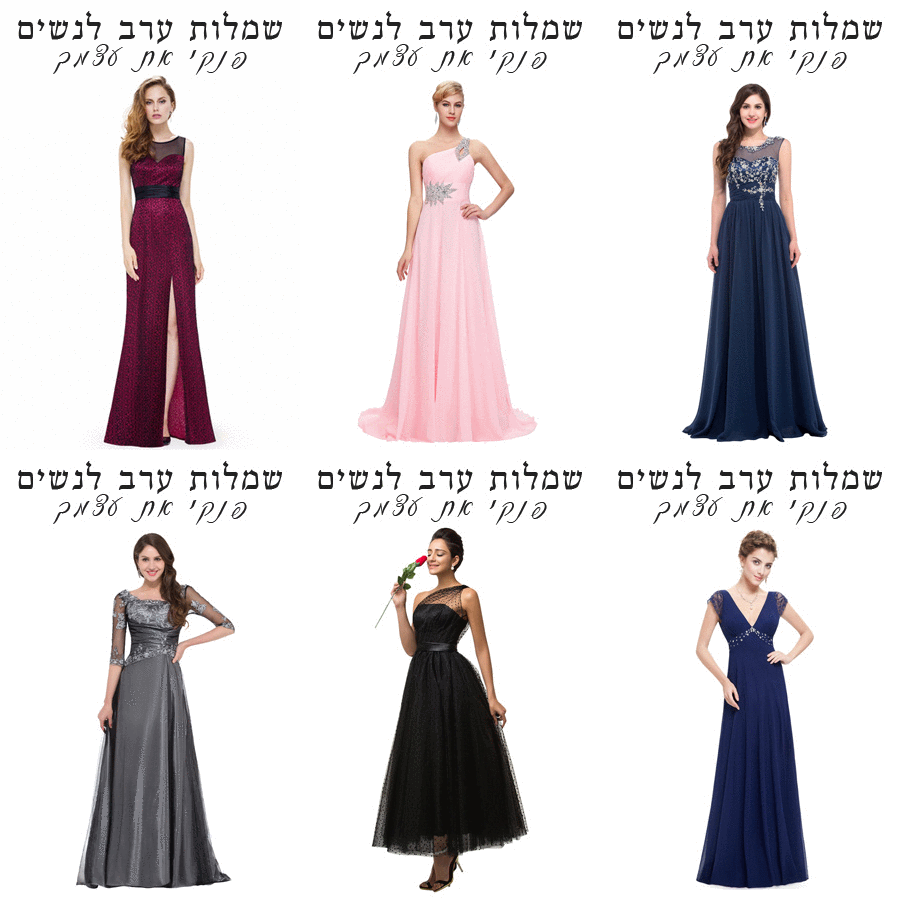
שמלות ערב לנשים – עכשיו גם אתם יכולות
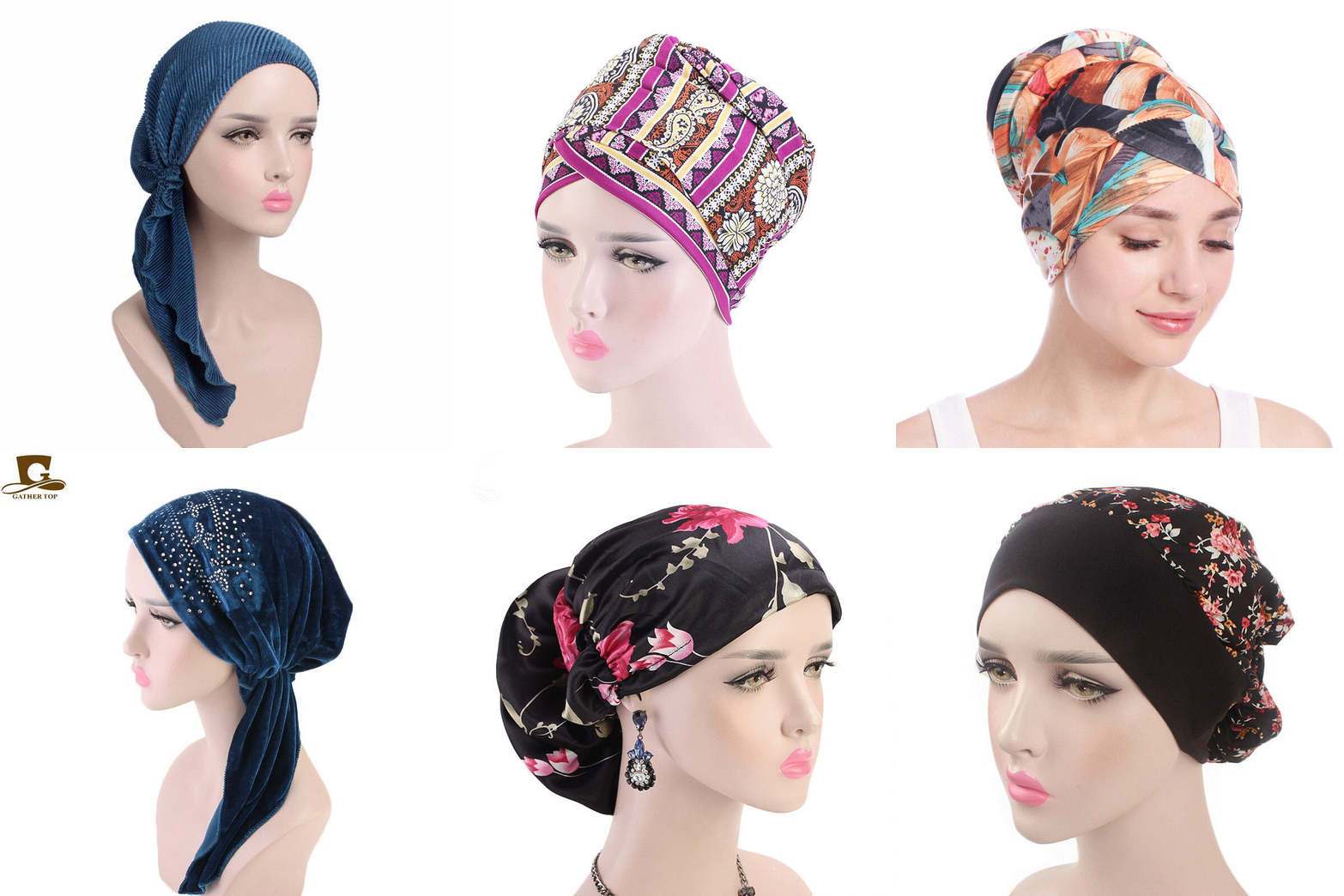
מבחר ענק של כיסויי ראש לנשים
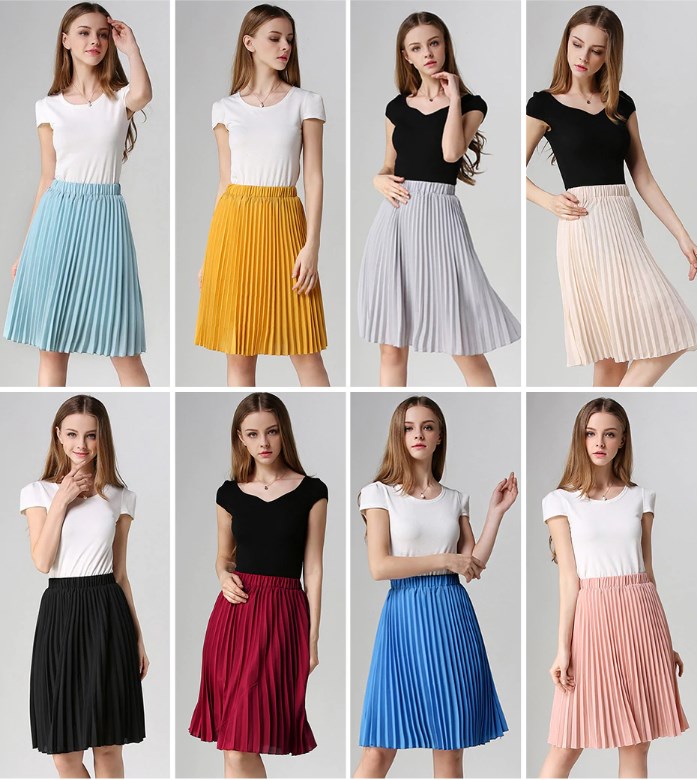
חצאיות לנערות
עוד שמלות לילדות
-
 שמלת ברך יום הולדת מעוצבת ואלגנטית ורודה עם שרוולים ארוכים
המחיר המקורי היה: ₪160.00.₪81.00המחיר הנוכחי הוא: ₪81.00.
שמלת ברך יום הולדת מעוצבת ואלגנטית ורודה עם שרוולים ארוכים
המחיר המקורי היה: ₪160.00.₪81.00המחיר הנוכחי הוא: ₪81.00.
-
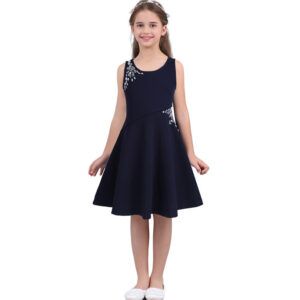 שמלת אלגנטי פרחוני לילדות לימי האביב, גובה ברך סגנון מעטפת משובצת אבנים עדינות
₪92.00 – ₪120.00
שמלת אלגנטי פרחוני לילדות לימי האביב, גובה ברך סגנון מעטפת משובצת אבנים עדינות
₪92.00 – ₪120.00
-
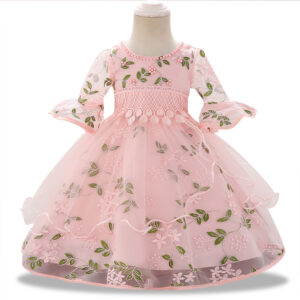 שמלת פעוטות עם תחרה ורקמה מיוחדת, שרוול ארוך רחב והרבה מחמאות, בצבעים ורוד ואפור
₪115.00 – ₪120.00
שמלת פעוטות עם תחרה ורקמה מיוחדת, שרוול ארוך רחב והרבה מחמאות, בצבעים ורוד ואפור
₪115.00 – ₪120.00
-
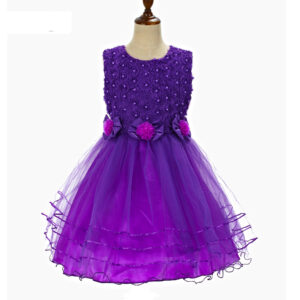 שמלת נסיכה לילדות עבור מסיבת חתונה ללא שרוולים חרוז ופרח קשת
₪96.00 – ₪104.00
שמלת נסיכה לילדות עבור מסיבת חתונה ללא שרוולים חרוז ופרח קשת
₪96.00 – ₪104.00
-
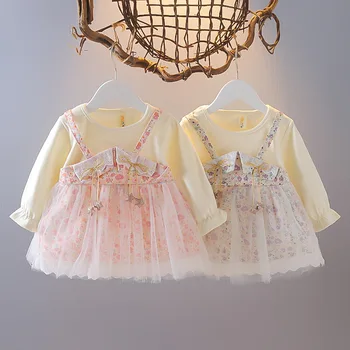 שמלת אוברול פייטים מתוקה ונוצצת לפעוטות, שרוול ארוך, 6 צבעים לבחירה
המחיר המקורי היה: ₪85.00.₪76.00המחיר הנוכחי הוא: ₪76.00.
שמלת אוברול פייטים מתוקה ונוצצת לפעוטות, שרוול ארוך, 6 צבעים לבחירה
המחיר המקורי היה: ₪85.00.₪76.00המחיר הנוכחי הוא: ₪76.00.
-
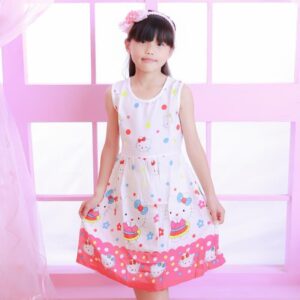 שמלת קיץ לילדות הלו קיטי HELLO KITTY מיוחדת עם חגורה נקשרת מאחור בוורוד ולבן
המחיר המקורי היה: ₪70.00.₪54.00המחיר הנוכחי הוא: ₪54.00.
שמלת קיץ לילדות הלו קיטי HELLO KITTY מיוחדת עם חגורה נקשרת מאחור בוורוד ולבן
המחיר המקורי היה: ₪70.00.₪54.00המחיר הנוכחי הוא: ₪54.00.
-
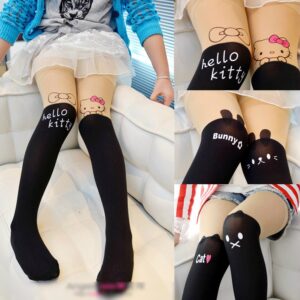 גרביונים הלו קיטי לילדות מדהימות מקטיפה בעיצובים שונים לבחירה
₪19.00 – ₪23.00
גרביונים הלו קיטי לילדות מדהימות מקטיפה בעיצובים שונים לבחירה
₪19.00 – ₪23.00
-
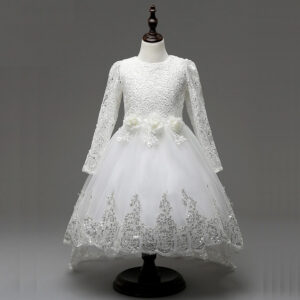 שמלה כלה לילדות שרוול ארוך מעוטרת בתחרה עם סרט ופרח וקישוטים בצבע כסף
₪146.00 – ₪189.00
שמלה כלה לילדות שרוול ארוך מעוטרת בתחרה עם סרט ופרח וקישוטים בצבע כסף
₪146.00 – ₪189.00
-
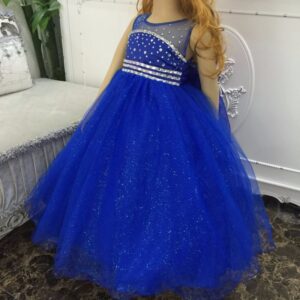 שמלת נשף לילדות בשילוב נצנצים ותחרה מהממת בצבעים שונים
₪187.00 – ₪236.00
שמלת נשף לילדות בשילוב נצנצים ותחרה מהממת בצבעים שונים
₪187.00 – ₪236.00
-
 שמלת שיפון לילדות באורך רצפה שרוולים ארוכים, נסיכתית ויוקרתית בעיצוב מיוחד, 12 צבעים לבחירה
₪492.00 – ₪540.00
שמלת שיפון לילדות באורך רצפה שרוולים ארוכים, נסיכתית ויוקרתית בעיצוב מיוחד, 12 צבעים לבחירה
₪492.00 – ₪540.00
-
 שמלת קיץ יום הולדת פרחונית 3 שכבות מעוצבת עם תחרה, חרוזים ורקומה
₪114.00 – ₪144.00
שמלת קיץ יום הולדת פרחונית 3 שכבות מעוצבת עם תחרה, חרוזים ורקומה
₪114.00 – ₪144.00
-
 שמלת שושבינה ללא שרוולים, עם אפליקציות תלויות במותן ופפיון גדול מאחור, אורך ברך, מלאה נצנצים וחוטי כסף בטול, 5 צבעים לבחירה,
המחיר המקורי היה: ₪216.00.₪162.00המחיר הנוכחי הוא: ₪162.00.
שמלת שושבינה ללא שרוולים, עם אפליקציות תלויות במותן ופפיון גדול מאחור, אורך ברך, מלאה נצנצים וחוטי כסף בטול, 5 צבעים לבחירה,
המחיר המקורי היה: ₪216.00.₪162.00המחיר הנוכחי הוא: ₪162.00.
-
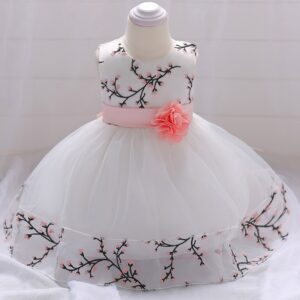 שמלה לפעוטות אלגנטית מושלמם לימי הולדת עם חגורה פרחונית ותחרה עדינה בצבע לבן ורוד
₪100.00 – ₪106.00
שמלה לפעוטות אלגנטית מושלמם לימי הולדת עם חגורה פרחונית ותחרה עדינה בצבע לבן ורוד
₪100.00 – ₪106.00
-
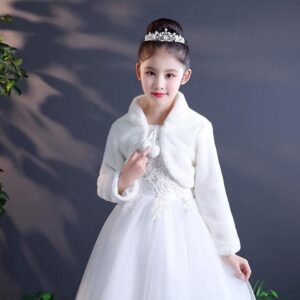 עליונית מעיל פרווה צעיף קצר לילדות עם שרוול ארוך ופונפונים מתוקים
המחיר המקורי היה: ₪149.00.₪125.00המחיר הנוכחי הוא: ₪125.00.
עליונית מעיל פרווה צעיף קצר לילדות עם שרוול ארוך ופונפונים מתוקים
המחיר המקורי היה: ₪149.00.₪125.00המחיר הנוכחי הוא: ₪125.00.
-
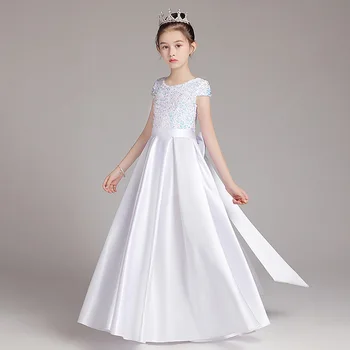 שמלת שושבינה מסאטן אלגנטית לבנה שנהב, ארוך רצפה שרוול קצר ופפיון ארוך, שמלה איכותית
המחיר המקורי היה: ₪399.00.₪298.00המחיר הנוכחי הוא: ₪298.00.
שמלת שושבינה מסאטן אלגנטית לבנה שנהב, ארוך רצפה שרוול קצר ופפיון ארוך, שמלה איכותית
המחיר המקורי היה: ₪399.00.₪298.00המחיר הנוכחי הוא: ₪298.00.